
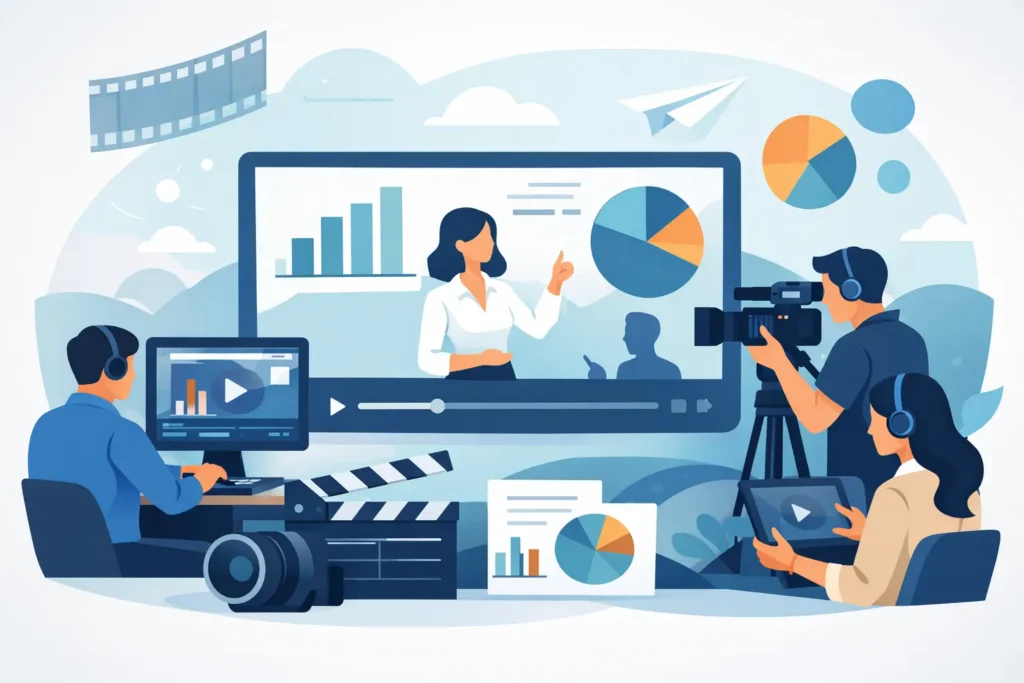
Annual Report Video Production That Gets Watched
A printed annual report can hold every number, milestone, and required disclosure. It still may not answer the question people actually ask: What did this organization accomplish, and why does it matter? Annual report video production gives that answer a human voice, a clear structure, and a format people are more likely to watch and remember.
For a business, nonprofit, public agency, or community institution, the goal is not to turn every page of a report into a video. The goal is to make the year make sense. Done well, an annual report video connects results to real people, gives leaders a credible platform to speak, and gives communications teams a useful asset long after the report is published.
What an Annual Report Video Needs to Do
An annual report video is not a highlight reel with background music and a long list of statistics. It is a concise story of progress. It should help a viewer understand where the organization focused its effort, what changed, and what comes next.
That requires choices. A 20-page report may include dozens of programs, metrics, partners, and financial details. A video cannot carry all of it without losing its audience. The strongest videos identify one central idea, then use a small number of proof points to support it.
For a nonprofit, that idea may be the direct impact of donor support. For a hospital system, it could be expanded access to care. For a manufacturer, it may be growth, safety, workforce investment, or innovation. For a public-sector organization, it could be how public resources translated into visible community outcomes.
The report supplies the facts. The video supplies the context.
Start With the Audience, Not the Report Outline
Before scripting, decide who needs to see the video and what they need to take away from it. A board audience may want confidence in leadership and direction. Donors may need to see stewardship and measurable impact. Employees may respond to a sense of shared progress. Community members may simply need a clear explanation of how an organization serves them.
One video can speak to several groups, but it needs a primary audience. Without one, the project tends to become a list of internal priorities rather than a message viewers can follow.
This decision also affects tone. A donor-focused piece may lead with a beneficiary or frontline team member. A corporate report may open with the CEO and move quickly into customer results and business performance. A public institution may need a more informational approach, with plain-language explanations and specific community examples.
A Better Structure for Annual Report Video Production
Most annual report videos work best at two to four minutes. That is enough time to establish a point of view, include credible evidence, and let a few voices carry the story. Longer can work for a board meeting, annual event, or internal presentation. For public-facing use, shorter usually earns more attention.
A practical structure has four parts.
First, establish the year’s central message. This might be a challenge the organization faced, a commitment it made, or a clear statement of purpose. The opening should create immediate relevance, not begin with a generic history lesson.
Next, show the work. This is where video has an advantage over a written report. Instead of saying that a program reached 5,000 people, show the work happening. Film staff members in the field, customers using a service, students learning, patients receiving care, volunteers preparing for an event, or teams solving a problem together.
Then, add proof. Numbers still matter. Revenue, funds raised, people served, jobs created, training completed, and services delivered establish credibility. Keep on-screen statistics selective and readable. One meaningful number paired with the right image often lands better than a crowded wall of data.
Finally, point forward. The year is complete, but the work is not. A forward-looking close can reinforce strategic priorities, invite continued support, or help employees see their role in the next chapter.
Put Real People at the Center
The most memorable annual report videos rarely depend on polished executive remarks alone. Leadership perspectives are valuable, especially when they provide direction and accountability. But a story gains weight when viewers see the people affected by the organization’s work.
That might mean a customer, a program participant, a teacher, a donor, a volunteer, or an employee who understands the work up close. Their role does not need to be large. Even a short, specific comment can turn an abstract result into something people can feel.
There is a trade-off. Featuring several voices creates texture but requires more coordination, releases, scheduling, and interview time. If the approval process is tight or the timeline is short, a leader-led story supported by strong footage and focused graphics may be the better choice. The format should serve the message and the realities of the project.
Plan for the Production Before the Reporting Deadline
Annual reports often move fast at the end. Financials need review. Departments submit updates late. Leadership teams want to see final numbers before approving language. Video production can fit that process, but it needs early planning.
The best time to begin is when the organization can identify the story direction, even if every final metric is not yet available. Concept development, interview planning, location coordination, and filming can happen before the final report is complete. Final statistics and graphics can be added during editing once they are approved.
This approach prevents a common problem: trying to schedule every interview, film every location, and finish a video in the final week before an annual meeting. It also gives the production team time to identify what footage will make the report feel active rather than static.
A clear process reduces the burden on the internal project owner. One point of contact should be able to gather key inputs, coordinate approvals, and keep stakeholders aligned without becoming a full-time producer.
Build Approval Into the Timeline
Annual report content often has more reviewers than a typical marketing video. Finance, executive leadership, legal, development, communications, and board members may all have a role. That is normal. It simply needs to be planned for.
Agree early on who has final approval, which facts require formal verification, and when review rounds will happen. Keep feedback consolidated whenever possible. Ten separate emails with small edits create confusion, slow decisions, and increase the chance that a detail gets missed.
It also helps to separate factual corrections from creative preferences. Correcting a number or title is necessary. Reworking the entire narrative late in editing because the group has not agreed on the message is avoidable. A strong creative brief and an approved outline make later reviews faster.
Make One Production Serve More Than One Moment
The finished annual report video can anchor a report launch, donor event, annual meeting, website update, employee gathering, or social media campaign. But the value does not need to end with the main edit.
During filming, a production team can capture additional interviews, workplace footage, photographs, B-roll, and short vertical clips for future communication needs. A development team may use a 30-second impact clip in an email campaign. HR may repurpose employee footage for recruiting. A communications team may need fresh visuals for presentations throughout the year.
This does not mean every project needs a large content package. It depends on budget, internal capacity, and how often the organization communicates. But if the cameras are already on site, planning for a few useful secondary assets is usually more efficient than scheduling another shoot later.
For organizations that run hard, the biggest benefit is continuity. The production partner already understands the brand, the people, and the way approvals work. There is no starting over every time.
Choose Polish With Purpose
A professional annual report video should look and sound credible, but polish is not the same as excess. Drone footage, motion graphics, multiple locations, elaborate lighting, and a large crew can all be useful. They are not automatically necessary.
The right production level depends on the message. A major regional initiative may call for broad visual scope and polished graphics that clarify complex information. A smaller nonprofit may be best served by intimate interviews and honest footage of its work. Both can be effective when the creative approach fits the organization.
Intent Productions approaches these projects as a complete process: concept, planning, filming, editing, and delivery through one team. That means the project owner has clear timelines, practical guidance, and fewer moving parts to manage.
The annual report may document a completed year. Your video can give that year a lasting voice. Start with the clearest proof of progress, put people close to the work on screen, and leave viewers with a reason to believe in what comes next.